

Welcome Package
Up to £4400+ 200 Free Spins
Bonus terms & conditions apply.
Aloha Slots Casino Mobile App: Play Without a Download
Aloha Slots Casino supports mobile play on iOS and Android smartphones and tablets through a browser, with no download required. The layout adapts to smaller screens, so you can use the casino from a mobile device with access to account and player-safety tools.
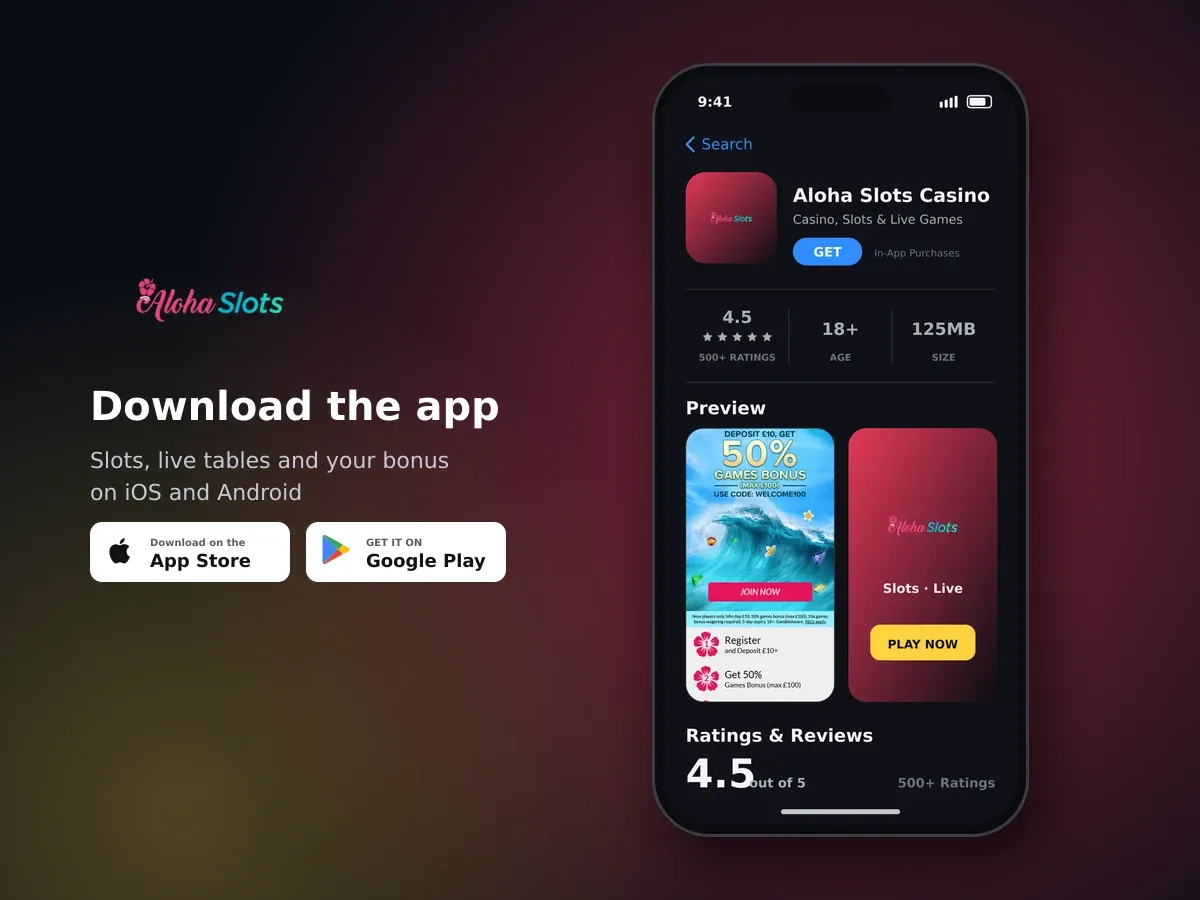
Aloha Slots Casino App
Aloha Slots Casino
- 4.5 500+ ratings
- 125MBSize
- 18+Age
- 5K+Downloads
Mobile play works on iOS and Android without a download
Mobile access at Aloha Slots Casino is browser-based. We support all mobile devices, including iOS and Android smartphones and tablets, and the layout adapts to smaller screens. You can start playing without downloading a separate programme.
Use the browser you already have
There is no installation step for the current mobile experience. Open a browser on your device and use it to reach Aloha Slots Casino. This keeps mobile play simple and avoids taking up extra storage with a dedicated file.

Slots, jackpots and live tables
The browser route is useful when you want to move between mobile play and other everyday tasks without installing another application. Your device's normal browser provides the access point, while the casino adjusts its presentation to fit the available screen.
A straightforward way to use the mobile casino
The mobile browser gives you a compact route into the casino and its account area. The smaller-screen layout is designed to keep the main controls usable without requiring a desktop computer. You can use the same browser approach on a smartphone or tablet.
Choose the browser you normally use on your iOS or Android smartphone or tablet.
Enter the casino's web address in the browser and allow the mobile layout to load.
Move between the available casino content and account functions from the smaller-screen interface.
Use the account controls and player-safety settings that suit your limits before continuing.
| Device | Access method | Download needed |
|---|---|---|
| iOS smartphone | Mobile browser | No |
| iOS tablet | Mobile browser | No |
| Android smartphone | Mobile browser | No |
| Android tablet | Mobile browser | No |

Claim your welcome bonus
A browser is also a practical choice if you use more than one type of mobile device. The important point is that the experience is built to run through mobile browsers, rather than depending on a separate download before you can begin.
Mobile play with limits and self-exclusion options
Mobile access should fit around your limits, not the other way around. Before you play, decide how much time and money you are comfortable spending, then use the available controls to keep those boundaries clear.
The account area includes several self-set tools. These are available for managing how you use the casino, whether you are on a smartphone, tablet or another supported device.
- Deposit limits to control how much you add.
- Spending limits to set a wider spending boundary.
- Loss limits to define the loss level you are prepared to accept.
- Reality checks to help you keep track of your play.
- Time-out periods for taking a planned break.
- Self-exclusion periods when you want to stop access for longer.
Keep play within your limits
Gambling is for people aged 18 and over and involves real risk. Play for entertainment, set boundaries before you begin and only spend what you can afford to lose.

Spin today, win today
Time-out and self-exclusion periods can be requested through live chat or email support. Aloha Slots Casino also participates in GAMSTOP and supports GamCare and BeGambleAware. These options give you several ways to take control if mobile access starts to feel too easy to use.
Security and support for mobile users
You can use mobile access with support available in English. If you need help while using the browser experience, the listed contact options include live chat, email and telephone support.
| Contact option | Availability | Typical response |
|---|---|---|
| Live chat | 8 AM to midnight, seven days a week | Around three hours on average |
| Email support | Available in English | Typically within one day |
| Telephone support | Telephone contact available | Contact channel listed |
Live chat is open every day, although it does not operate around the clock. Email replies typically arrive within one day, while live chat has an average response time of around three hours. The website and support communications are in English.
Payment transactions use encrypted connections
All payment transactions use a 128-bit SSL-encrypted connection. This protection applies when a payment transaction is made through the casino.
When you use any online casino from a mobile device, keep your device protected with its normal security settings and avoid playing on a connection you do not trust. Take a break whenever you need one, and use the available limits rather than trying to chase a loss.
Browser access today, with a dedicated app coming soon
The current mobile route is the browser experience on iOS and Android. A dedicated app for iOS and Android is announced as coming soon, but you do not need to wait for an app to use Aloha Slots Casino on a smartphone or tablet.
What to keep in mind before you play
This gives you a clear option while the dedicated app is announced for a future release. If browser access meets your needs, you can use the mobile casino without adding an app to your device.
Use the mobile browser route
Open Aloha Slots Casino from your iOS or Android browser and use the mobile layout without a download.
Mobile App: questions and answers
-
Does Aloha Slots Casino have a mobile app?
Mobile play is available through iOS and Android browsers with no download required. A dedicated app for iOS and Android is announced as coming soon.
-
Which devices can I use for mobile play?
The mobile experience works on all mobile devices, including iOS and Android smartphones and tablets. The layout adapts to smaller screens.
-
Do I need to download anything to play on mobile?
No. You can use the browser-based experience without downloading a separate application.
-
Can I use Aloha Slots Casino on both iOS and Android?
Yes. Mobile browsers on iOS and Android smartphones and tablets are supported.
-
Are mobile payment transactions protected?
All payment transactions use a 128-bit SSL-encrypted connection.
-
What safer gambling tools can I use from my account?
You can set deposit, spending and loss limits, as well as reality checks. Time-out and self-exclusion periods can be requested through live chat or email support, and GAMSTOP is supported.
-
When can I contact mobile support?
Live chat is available in English from 8 AM to midnight, seven days a week, with an average response time of around three hours. Email replies typically arrive within one day, and telephone support is also available.